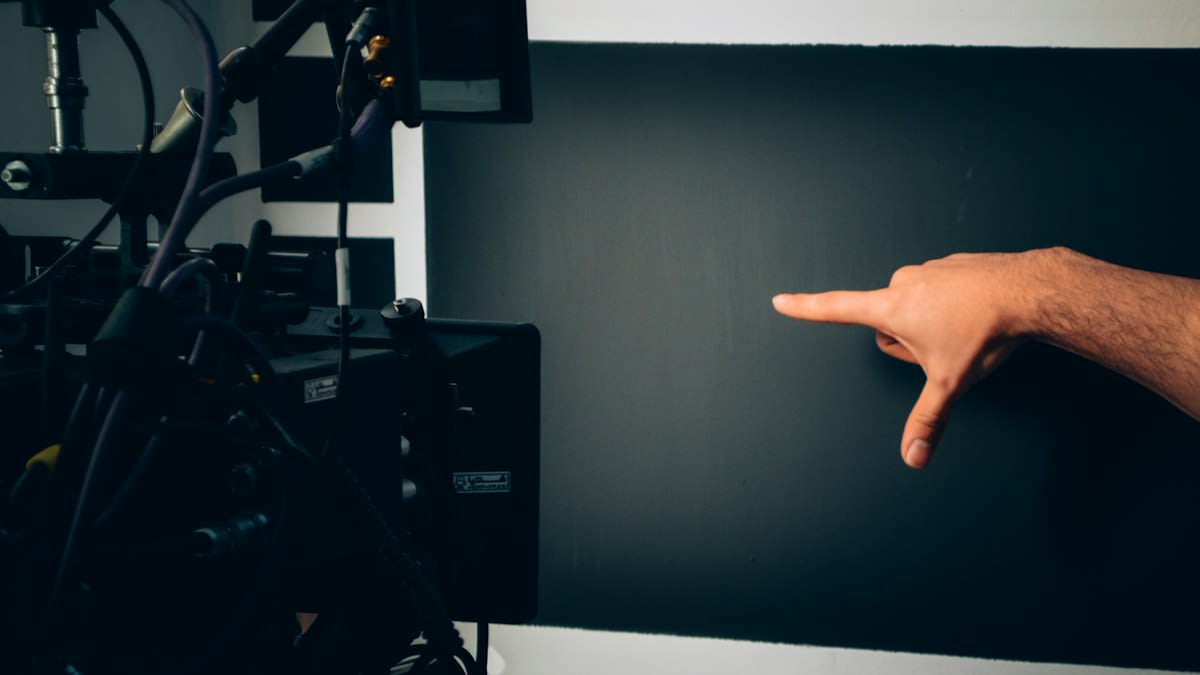
Do we actually want a world where every interaction is a flat slide of glass? The industry spent a decade chasing the glass-slab aesthetic, convinced that software flexibility could replace physical certainty. They were wrong. By stripping away the button, designers didn't just remove a piece of plastic; they severed the link between the human hand and the brain's sensorimotor loop. We are now seeing a hard turn back toward the physical because the human body does not trust a screen. It trusts weight, resistance, and the sudden, sharp click of a mechanical switch.
Prerequisites: Understanding the Sensorimotor Loop
Before you implement a single switch, you must accept that tactile processing is not a secondary luxury. It is a fundamental interface between sensorimotor and socioemotional development (Source: MDPI, 2026). When a user interacts with a device, they aren't just sending a command; they are seeking confirmation that the command was received. This confirmation is the suture that holds a user's confidence together. Without it, the interaction feels brittle. If you are designing for high-stakes environments—think surgical robots in Seoul or autonomous transit in Tokyo—the absence of a physical grip creates a cognitive load that slows down every single action.
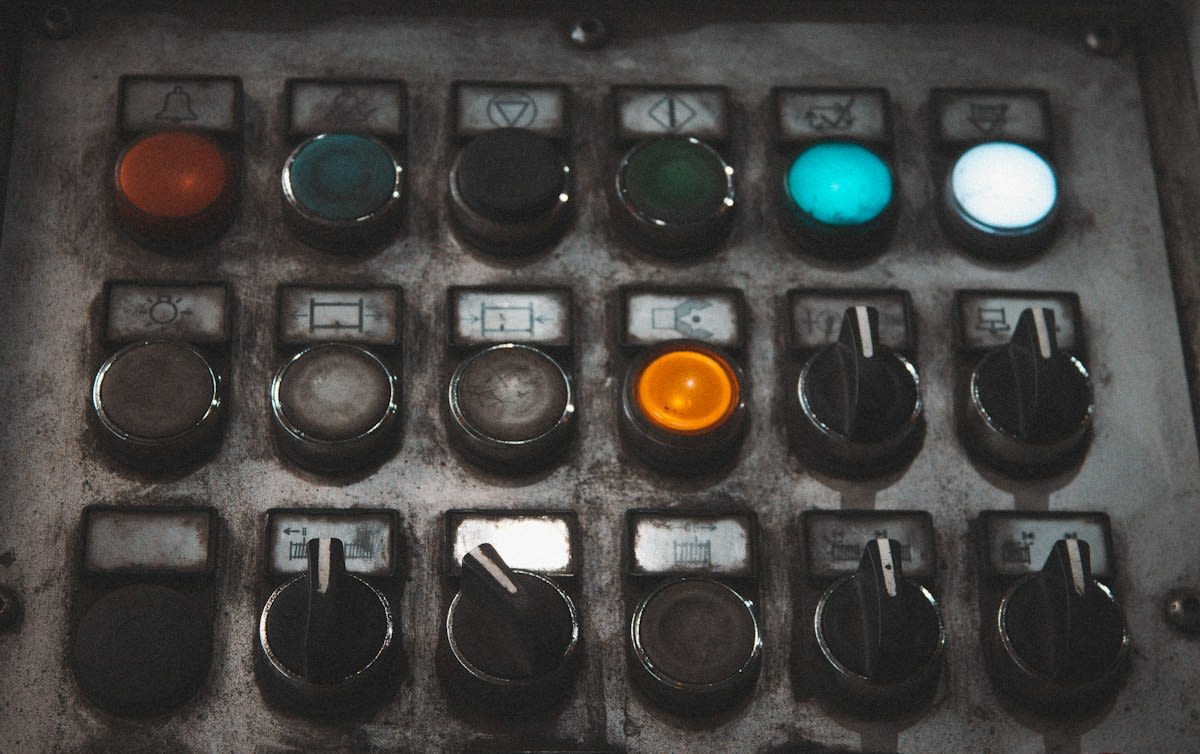
The weight of the interaction matters. In the world of implant-supported prostheses, for example, we see that active tactile sensibility actually increases with time after functional loading, eventually approaching the performance of natural teeth by the six-month mark (Source: Bioinformation, 2026). This proves a critical point for designers: the human body adapts to and relies upon physical feedback loops over time. If your interface is purely digital, you are denying the user the ability to build this long-term sensory relationship with the tool.
Step-by-Step: Implementing Tactile Recovery
- Identify Critical-Path Actions: Isolate the functions that require zero-latency response. If a user must act within seconds—such as taking control of a vehicle—a screen is a failure point. These actions require a dedicated physical or haptic trigger.
- Implement Immediate Haptic Keyclicks: Ensure every press is followed instantly by its effect. Research shows that haptic keyclick feedback produces the highest typing speed and the lowest error rate compared to other feedback types (Source: Medium/Berend Watchus, 2026).
- Calibrate Feedback Consistency: Avoid variable delays. Constant, low-variability feedback delays are faster and less error-prone than variable ones, which confuse the muscle memory (Source: Medium/Berend Watchus, 2026).
- Layer Trimodal Warning Signals: For high-urgency alerts, do not rely on a beep or a flash. Combine visual, auditory, and tactile prompts. Trimodal signals shorten response initiation more than any single channel without sacrificing accuracy (Source: Medium/Berend Watchus, 2026).
- Integrate Wearable Haptic Interfaces: For teleoperation or rehabilitation, use wearable output devices to recreate tactile sensations, allowing the user to 'feel' a virtual or remote environment (Source: Wiley, 2026).
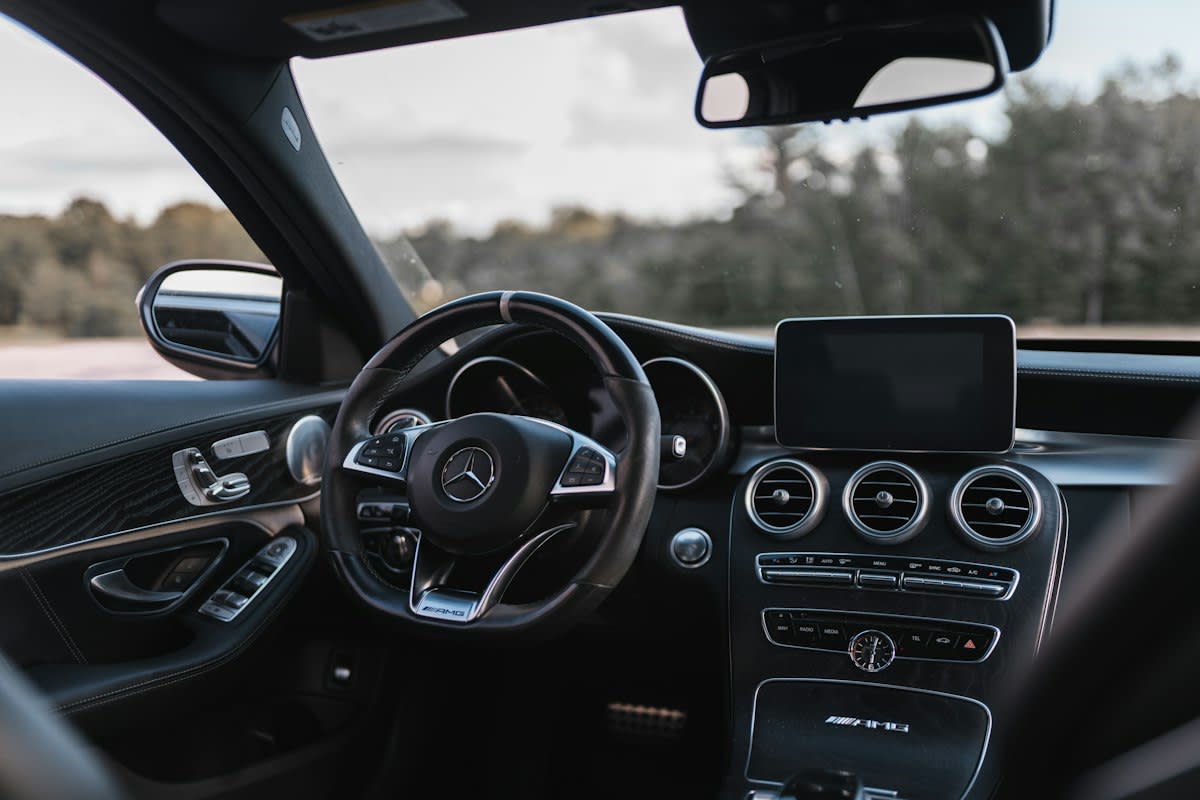
Why does this layering work? It is about the collision of senses. In conditionally automated driving, the driver is often out of the loop and must react in a heartbeat. Adding seat-based haptic feedback to standard warnings has been shown to facilitate a timely and safe transfer of control in a shorter window of time (Source: Medium/Berend Watchus, 2026). The tactile prompt bypasses the visual noise of a dashboard, hitting the nervous system directly.
"Trimodal warning signals (visual, auditory, tactile) shorten response initiation more than any single channel, without loss of accuracy."— Berend Watchus, Analysis of High-Stakes Profession Performance
This is where the design becomes a matter of survival. Visual-auditory-tactile prompts provide the shortest takeover times in automated systems (Source: Medium/Berend Watchus, 2026). If you remove the tactile element, you are effectively adding a delay to the human brain's processing speed. You are making the system more brittle.
The internal industry dispute over this is often invisible to the public. In the design studio, there is a constant fray between the UI stylists and the safety engineers. The stylists want a clean, monolithic slab of glass because it looks futuristic. The engineers, however, are looking at the error rates. They know that when a driver has to look away from the road to find a digital slider for the volume, the risk of a mechanical failure in the human-machine loop skyrockets. The stylists call it minimalism; the engineers call it a liability.
Common Pitfalls in Tactile Design
- The Delay Trap: Implementing haptic feedback that lags behind the physical press. Even a millisecond of discrepancy can increase error rates (Source: Medium/Berend Watchus, 2026).
- Sensory Overload: Over-saturating the user with vibrations. Too much haptic noise leads to sensory numbness, where the user ignores the prompt entirely.
- Assuming Uniformity: Forgetting that tactile processing varies. For instance, autistic individuals may show atypical behavioral responsiveness to pressure, meaning a 'standard' haptic click may be perceived differently (Source: MDPI, 2026).
- The 'Fake' Button: Using a flat screen with a vibration motor to mimic a button, but failing to provide the physical edge that allows a finger to find the control without looking.
Avoid the temptation to make everything haptic. The goal is not to replace the screen, but to suture the gap where the screen fails. Use the 'go/no-go' logic. Under induced stress, calming feedback and slightly lengthened response windows actually reduce error rates in discrimination tasks (Source: Medium/Berend Watchus, 2026). The key is knowing when to give the user a hard, physical stop and when to provide a soft, guided nudge.
Fact-Check & Accuracy Note
This guide relies on data from 2026 publications including MDPI, Wiley, and Bioinformation. A key area of academic debate remains the degree to which simulated haptics (vibration) can truly replace mechanical displacement (the physical move of a button). While trimodal signals are proven to shorten response times, the long-term cognitive effect of losing physical muscle memory is still being studied in longitudinal human-factors research.
Ultimately, the return of the physical button is an admission of human limitation. We are not digital beings; we are biological entities with a deep-seated need for tactile grip. When we design for the hand, we design for the brain. Stop fighting the muscle memory. Embrace the click.