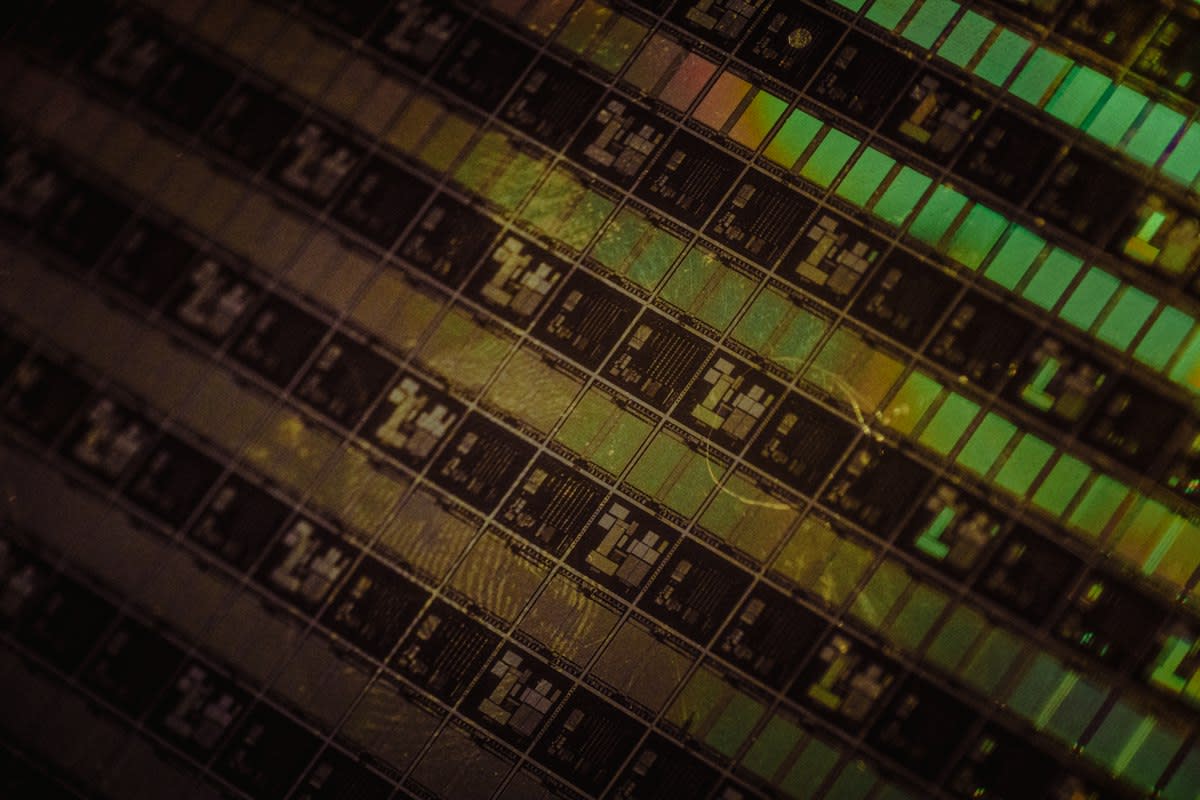
Data doesn't just vanish. It decays. We call it bit rot, but that's too clean a term for the reality of magnetic flipping and chemical degradation. I have spent a decade pulling files from drives that looked like they had been used as coasters in a Jakarta server room. Most companies think their cloud migration solved the legacy problem. They are wrong. They just moved the ruins to someone else's basement. The new class of memory consultants doesn't deal in cloud architecture; we deal in the archaeology of the obsolete.
The demand is spiking because the people who built the original systems are retiring or dying. When the last COBOL programmer at a regional bank in Lagos leaves the building, they take the map to the data with them. Suddenly, a company realizes their primary ledger is trapped on a proprietary tape format from 1988 that requires a specific drive head no longer manufactured. This is where the ruins hunters step in. We aren't IT support. We are digital forensic surgeons operating on corpses.
Prerequisites: The Kit
You cannot do this job with a laptop and a prayer. You need a physical workbench that would make a 1970s radio technician blush. The first rule of ruins hunting is: never trust the original interface. You will spend more time hunting for the right SCSI-to-USB bridge than you will actually analyzing data. If you are buying gear from a polished retail site, you have already failed. The real tools are found in the grey markets of Sim Lim Square in Singapore or the dusty shelves of specialized legacy vendors in Germany.
- Hardware Write Blockers: Essential to prevent the OS from touching the source drive and corrupting the remaining sectors.
- Logic Analyzers: For sniffing proprietary communication protocols between dead boards.
- Oscilloscopes: To check if a legacy power supply is actually delivering clean voltage or just noise.
- Vacuum Chambers: For cleaning oxidation off ancient contact pins without scratching the gold plating.
- Legacy OS Image Library: A curated hoard of Windows 3.1, OS/2 Warp, and various Unix flavors on bootable media.
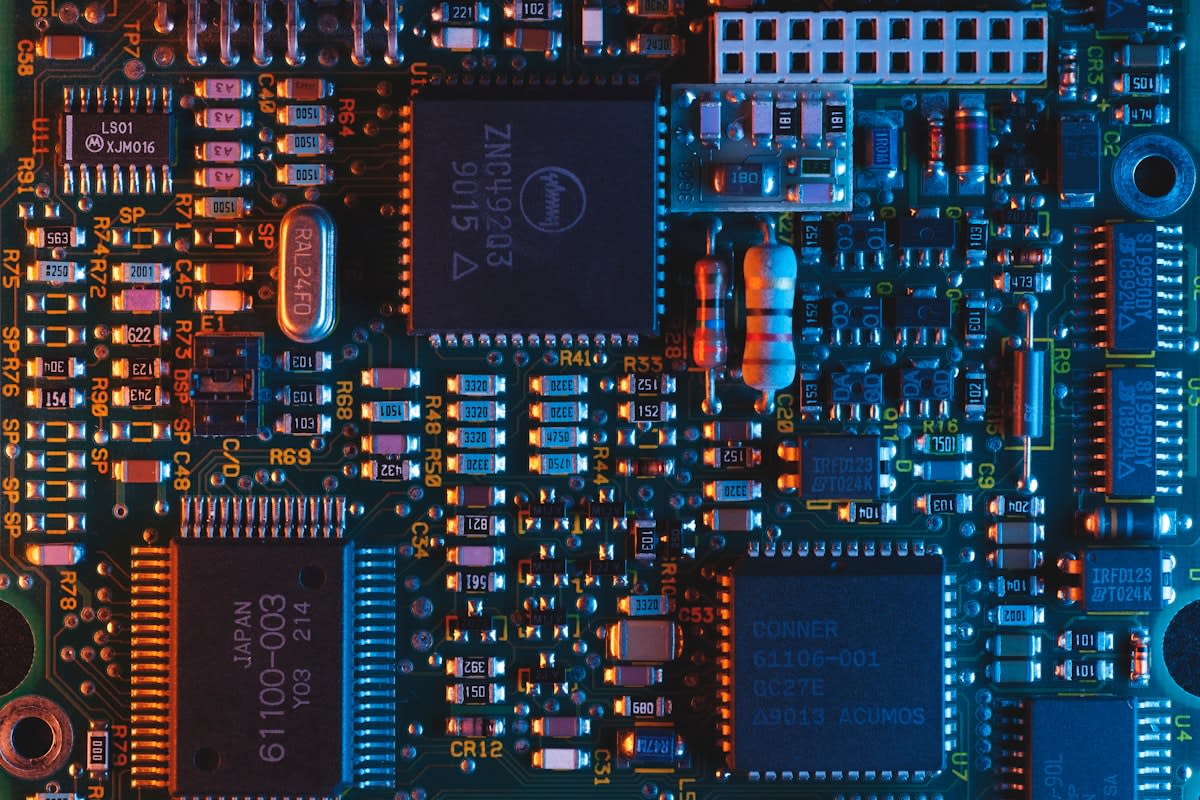
The hardware is only half the battle. The real friction is the software silo. Companies in the 90s loved proprietary formats because it locked clients in. Now, that lock is a tomb. You will encounter files with extensions that don't exist in any modern registry. You have to treat these like dead languages. You don't open them; you analyze the hex headers and guess the structure based on how the CPU of that era handled memory alignment.
The Extraction Pipeline
Recovery is a linear process. If you skip a step, you risk permanent data loss. I have seen juniors try to boot a 20-year-old drive directly into a modern OS, only for the disk utility to 'repair' the file system, effectively wiping the very data they were hired to save. The goal is never to 'run' the old system. The goal is to image the raw bits and move the puzzle to a controlled environment.
- Physical Triage: Inspect for capacitor leakage and corrosion. If the board is bubbling, you clean it with isopropyl alcohol before applying power.
- Bit-Stream Imaging: Use a write-blocker to create a sector-by-sector clone. You never work on the original medium. Period.
- Interface Bridging: Emulate the original hardware environment using VMs or FPGA-based bridges to trick the data into thinking it is still in 1992.
- Semantic Reconstruction: Map the raw hex data back into a readable format. This is where you figure out if the data is a database, a text file, or encrypted garbage.
- Verification: Cross-reference the recovered data with existing physical logs or secondary backups to ensure no bit-flips occurred during extraction.
Most of the work happens in step four. Semantic reconstruction is where the 'consultant' part of the job kicks in. You aren't just a technician; you are a translator. You have to explain to a CFO why their 1996 financial records look like a series of random symbols because the original software used a custom compression algorithm that died with the company that wrote it.
"The greatest threat to corporate memory isn't the loss of the hardware, but the loss of the context. A disk image is useless if you don't understand the schema of the database that lived on it."— Dr. Aris Thorne, Lead Archivist at the Digital Heritage Institute
Ground-Level Friction: The Human Element
The hardest part of this job isn't the broken hardware; it is the human ego. You will deal with former IT directors who refuse to admit they lost the passwords to the master archives. You will face legal teams in Seoul or New York who want the data 'yesterday' but refuse to sign the liability waivers required for high-risk physical recovery. There is a specific kind of tension when you tell a CEO that their company's history is sitting on a platter that could shatter if the room temperature drops by five degrees.
Then there is the political infighting. Often, the people hiring you are the ones who caused the data loss. They want a miracle, but they don't want to admit they threw away the backup tapes during a 2004 office move. You spend half your time acting as a therapist for panicked executives and the other half fighting with outdated firmware that refuses to handshake with a modern controller.
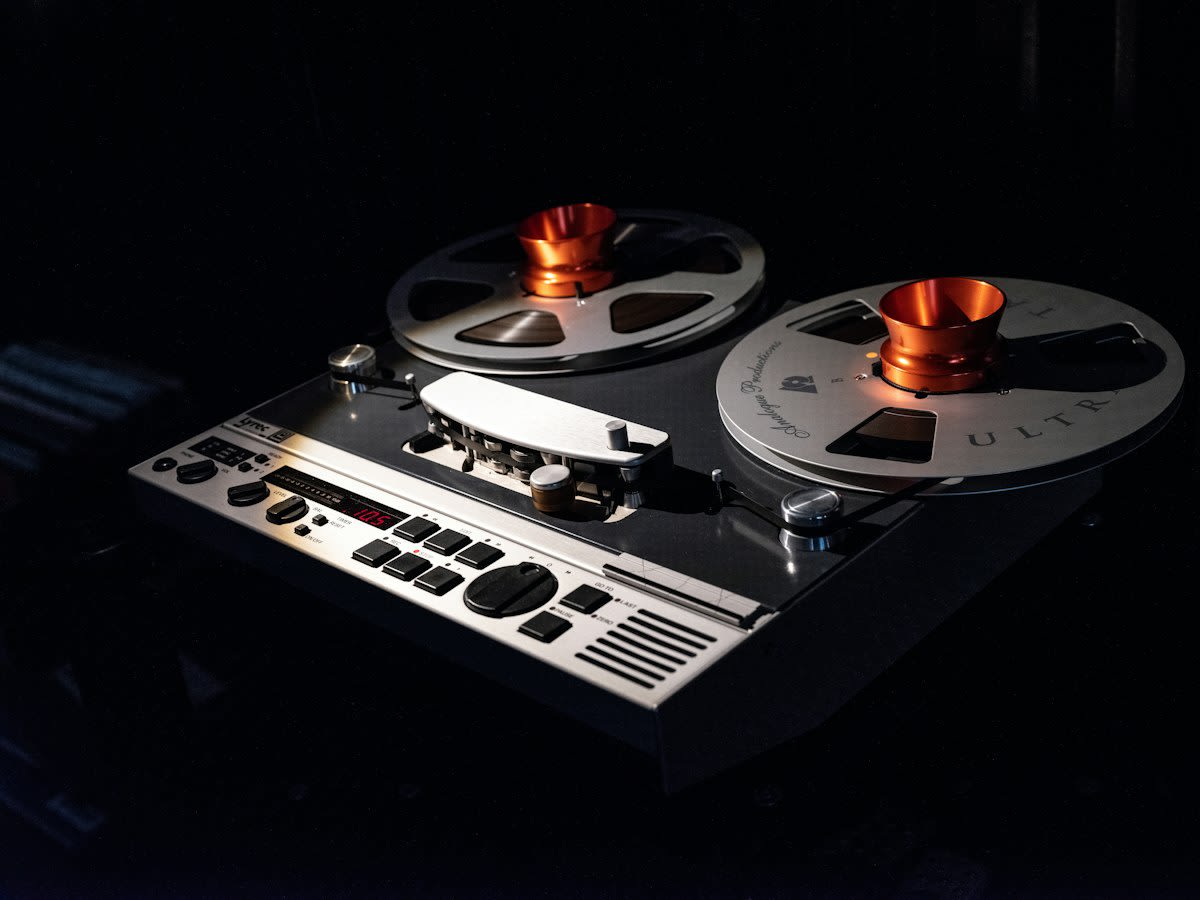
The economics of this are brutal. Companies will ignore a dying archive for a decade, then suddenly offer a six-figure sum when a lawsuit makes that data critical. This creates a feast-or-famine cycle. One month you are scavenging for parts in a warehouse in Shenzhen; the next, you are in a boardroom explaining why 60% of their 'dark data' is unrecoverable due to magnetic decay (Source: Gartner, 2021).
Common Pitfalls
- The 'Quick Boot' Trap: Attempting to boot the original hardware to see if it works. This often triggers a final disk failure.
- Trusting Auto-Recovery: Using software that claims to 'automatically' fix file systems. These tools often overwrite critical headers.
- Ignoring Thermal Expansion: Failing to stabilize the temperature of a drive before spinning it up after years of dormancy.
- Over-Promising: Telling a client you can recover 100% of the data before you have seen the platter condition. In this business, 40% recovery is often a victory.
Success in this field requires a level of patience that borders on the pathological. You will spend three weeks building a custom cable just to get a single sector of data to read. You will fail more often than you succeed. But when you finally crack a proprietary format and bring a dead company's records back to life, you aren't just a consultant. You are the only person on earth who knows what happened in that boardroom in 1991.
Fact-Check & Accuracy Note
Settled: Bit rot is a physical reality; magnetic polarity flips over time, leading to data corruption. Debated: The exact percentage of 'dark data' in enterprises varies wildly, but estimates suggest up to 75% of corporate data is unmanaged and unused (Source: IDC, 2022).
Editorial Note
This guide focuses on the technical and psychological friction of legacy recovery. It does not cover legal discovery protocols, which are a separate, equally tedious nightmare.