The Hardware Lie
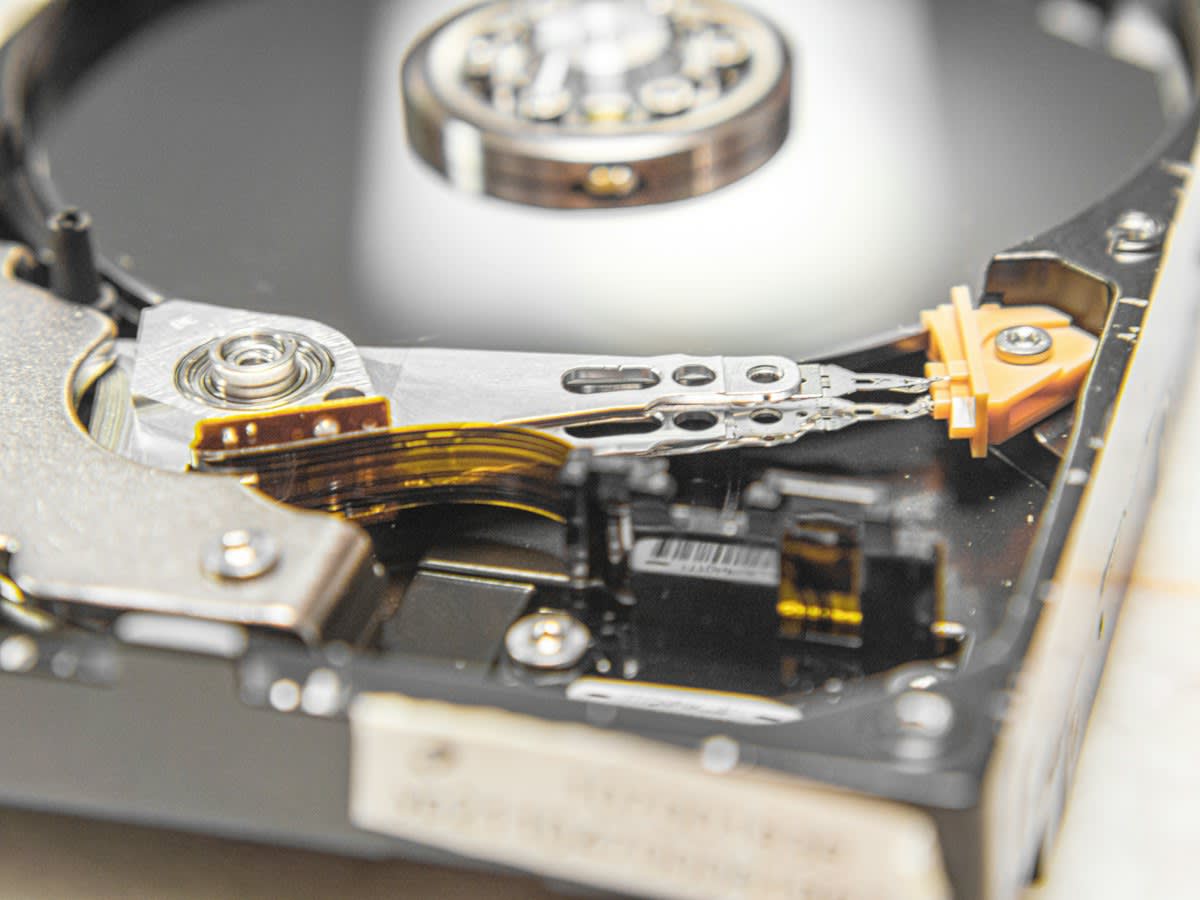
Oil paint on primed linen lasts centuries. It requires a climate-controlled room and a prayer. Digital art requires a miracle. We trust silicon. We trust magnetism. Both are failures. SSD cells leak charge over time. HDD platters suffer head crashes. In the humid server hubs of Jakarta, hardware failure rates spike due to atmospheric corrosion (Source: Digital Preservation Coalition, 2023). The industry sells us 'permanent' storage. There is no such thing. Only slower decay.
Bit rot is the silent killer. A cosmic ray hits a transistor. A bit flips from 0 to 1. Suddenly, a high-resolution TIFF is unreadable. The file is there. The size is correct. The content is gone. This is the friction of the medium. We are building a culture on shifting sand. While a 17th-century Dutch landscape survives a fire, a 2010 Flash animation is effectively extinct because the runtime environment died (Source: Library of Congress, 2022).
Prerequisites for Digital Survival
You cannot 'save' a file and walk away. Preservation is an active verb. It is a war of attrition against entropy. If you are treating your hard drive like a filing cabinet, you have already lost. You need a stack that assumes failure. Redundancy is not a luxury. It is the baseline.
- Checksum Tools: Software capable of generating SHA-256 or XXH64 hashes to detect bit rot.
- LTO (Linear Tape-Open) Drives: For cold storage that survives longer than any consumer HDD.
- Format Converters: Tools to migrate proprietary files to open-standard formats (e.g., PSD to TIFF or OpenEXR).
- Geographic Redundancy: Storage nodes in different tectonic and political zones.
The Preservation Workflow
Stop relying on the 'Cloud'. The Cloud is just someone else's computer. And that computer is subject to the same physics as yours. The following protocol is the only way to ensure an image exists in fifty years. It is tedious. It is boring. It is the only way.
- Normalize the Format: Strip all proprietary metadata. Convert work to non-proprietary, lossless formats. Use TIFF for stills and FFV1 for video. Proprietary formats are handcuffs (Source: IETF, 2021).
- Generate Checksums: Create a hash for every file. Store these hashes in a separate, immutable ledger. This is your 'truth' file.
- Implement 3-2-1 Storage: Three copies. Two different media (e.g., SSD and LTO tape). One copy off-site. If all copies are in the same building, you are one flood away from zero.
- Schedule Regular 'Scrubbing': Every six months, run your checksums. If a hash doesn't match, the file is corrupted. Replace it immediately from a healthy backup.
- Hardware Refresh Cycle: Replace all physical drives every 3 to 5 years. Do not wait for the 'Click of Death'. Migrate data to new hardware while the old gear still breathes.
This process creates immense friction. Artists hate it. It breaks the creative flow. But the alternative is a digital dark age. We are seeing this now in the gaming industry, where titles from twenty years ago are unplayable on modern OS architectures without complex emulation layers.
"The tragedy of digital art is the illusion of permanence. We mistake accessibility for stability. A file that opens today is not a file that will open tomorrow."— Dr. Elena Rossi, Lead Conservator at the Digital Heritage Institute
Ground-Level Friction: The Ego vs. The Archive
The real battle isn't with the hardware; it's with the people. In the galleries of Seoul and Mexico City, a war rages between curators and IT technicians. Curators want the 'original' file—the proprietary .psd with all the layers intact. IT technicians know that .psd is a black box that Adobe can change or kill at any moment. The ego of the artist demands the 'master' file be preserved, ignoring that the 'master' is a proprietary hostage.
I have seen prototypes for 'eternal' digital storage fail because of political infighting. One lab in Nairobi tried to implement a decentralized archival node system. It collapsed not because the code failed, but because the three participating institutions couldn't agree on who paid the electricity bill for the servers. This is the human element of decay. Bureaucracy erodes faster than silicon.
Comparative Decay Rates
When we compare oil to bits, we aren't comparing materials; we are comparing systems of failure. Oil fails through chemistry—oxidation, cracking, yellowing. Digital fails through systemic obsolescence. If you lose the key to the encryption or the software to read the header, the art is gone, even if the physical drive is pristine (Source: Digital Preservation Coalition, 2023).
| Medium | Primary Failure Mode | Expected Lifespan (Unmanaged) | Recovery Effort |
|---|---|---|---|
| Oil on Canvas | Chemical Oxidation | 100-500 Years | Low (Cleaning/Varnish) |
| Magnetic HDD | Mechanical Wear/Bit Rot | 3-7 Years | High (Data Recovery Lab) |
| NAND Flash (SSD) | Charge Leakage | 2-10 Years | Near Impossible |
| LTO Tape | Magnetic Decay | 30 Years | Medium (Drive Availability) |
Common Pitfalls
Most digital artists fall into the same traps. They believe a subscription to a cloud service is a preservation strategy. It isn't. It is a rental agreement. If the company goes bankrupt or changes its Terms of Service, your access vanishes. They believe 'Export as PNG' is enough. It isn't. PNGs can still suffer bit rot, and without a checksum, you won't know the image is corrupted until you see the grey bars across the canvas.
- The Cloud Trap: Confusing backup with archiving.
- The Proprietary Trap: Saving only in software-specific formats.
- The 'Set and Forget' Trap: Assuming a drive in a drawer will work in five years.
- The Single-Point Failure: Keeping all backups in one physical location.
Fact-Check & Accuracy Note
This guide is based on current archival standards from the Digital Preservation Coalition and the Library of Congress. Note that 'bit rot' (silent data corruption) is a physical reality of all magnetic and flash storage. No software can prevent the physical decay of the medium; it can only detect it and allow for replacement from a healthy copy.