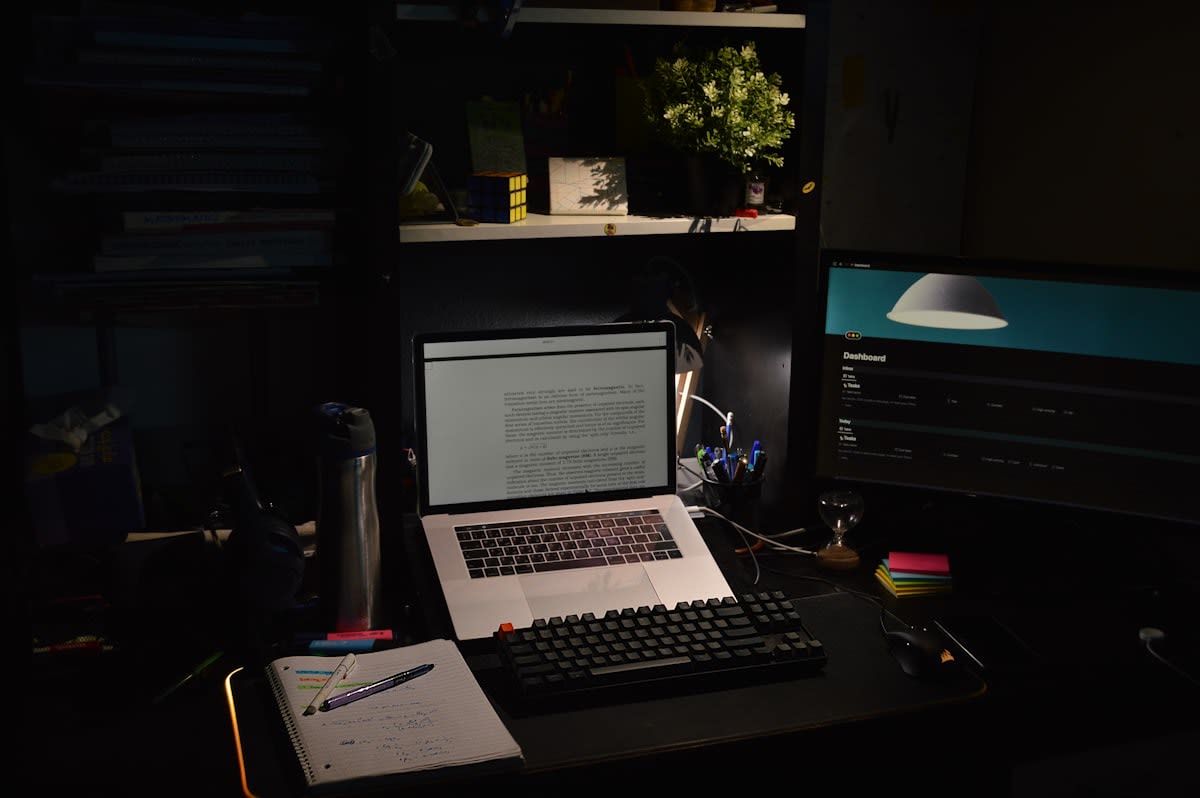
The modern creative process has become a series of clicks, swipes, and undo commands. We have mistaken efficiency for agency. When every line is perfected by a Bézier curve and every color is a hex code, we lose the visceral friction that historically drove creative discovery. This loss is not merely aesthetic; it is cognitive. The screen acts as a filter, stripping away the sensory feedback that tells our brains when a proportion feels wrong or when a composition lacks tension. We are becoming fluent in software, but illiterate in the physical laws of our craft.
Tactile literacy is the ability to think through materials. It is the understanding of how the weight of a brush, the tooth of a paper, or the resistance of clay informs the final outcome. In design studios from Tokyo to São Paulo, there is a growing realization that the most innovative breakthroughs rarely happen inside a Figma file. They happen in the messy, unpredictable space where the hand struggles with the medium. To reclaim this agency, we need more than a hobby; we need a protocol.
Prerequisites for the Protocol
Before initiating the protocol, you must establish a physical environment that resists the pull of the digital ecosystem. You cannot practice tactile literacy in the same posture you use for emails. The brain associates the desk and the ergonomic chair with linear, task-oriented productivity. To shift into a creative, tactile mode, you need a dedicated analog zone—a table, a floor space, or a studio corner—where screens are strictly forbidden.
- A diverse kit of high-resistance materials: charcoal, heavy-weight watercolor paper, oil pastels, or sculpting clay.
- Analog timing tools: a mechanical timer or a sand clock to avoid the distractions of a smartphone.
- A physical archive: a large-format sketchbook or a filing system for physical prototypes.
- A 'low-fidelity' mindset: the willingness to produce work that is intentionally ugly, unstable, or permanent.
The goal here is not to replace your digital tools but to build a cognitive bridge. By introducing materials that cannot be 'undone,' you force your brain to commit to decisions and anticipate outcomes. This mental shift is where true agency is recovered.
The Tactile Literacy Protocol: Step-by-Step
- The Sensory Audit: Map the points of digital friction in your current workflow.
- The Material Migration: Translate a digital concept into a high-resistance physical medium.
- The Iterative Physicality Phase: Produce ten rapid, physical variations without digital correction.
- The Hybrid Synthesis: Re-integrate the tactile insights back into the digital finalization.
Step one, the Sensory Audit, requires you to identify exactly where your digital tools are making too many decisions for you. Do you rely on the 'snap-to-grid' function for every layout? Does your software's auto-correct suggest a color palette before you've even felt the mood of the piece? By documenting these 'invisible assists,' you pinpoint the areas where your creative intuition has gone dormant. This is the map of your cognitive gaps.
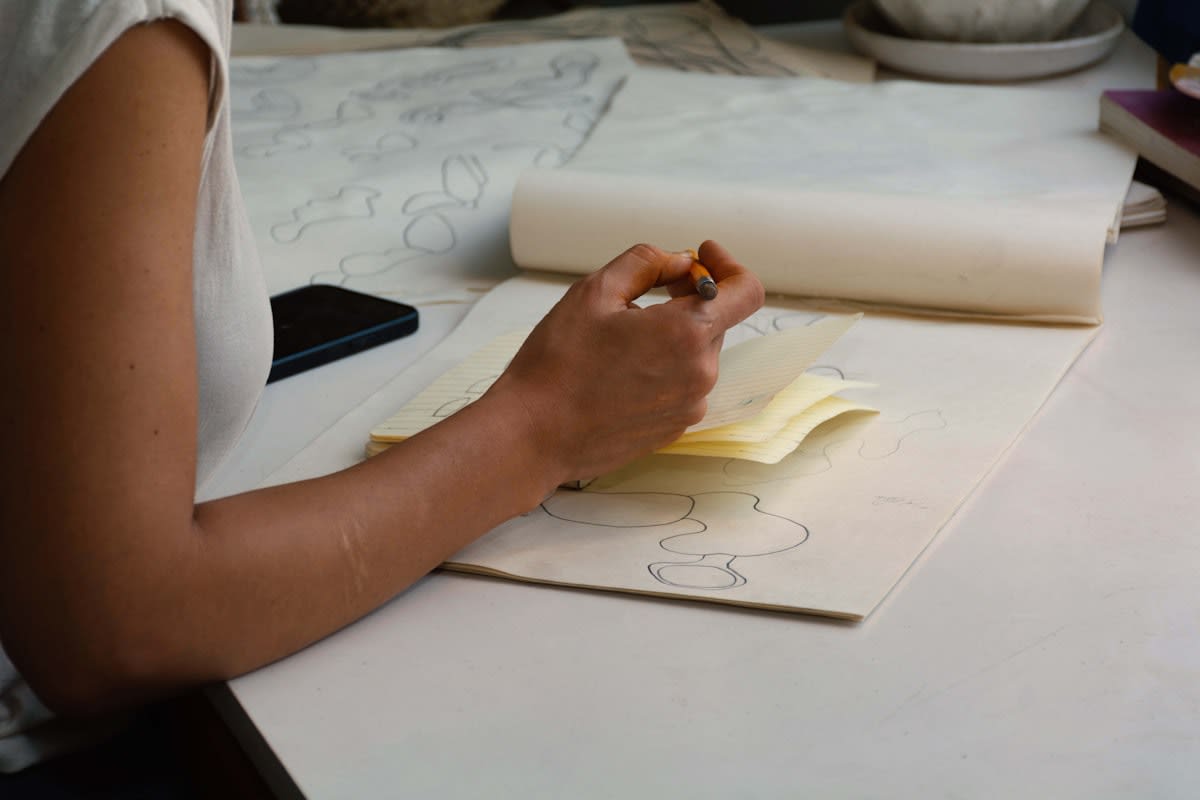
In Step two, the Material Migration, you move the project into the physical world. If you are designing a brand identity, stop typing names in different fonts and start carving them into soap or painting them with thick acrylics. The choice of medium is critical; choose something with resistance. Watercolors that bleed or charcoal that smudges force you to negotiate with the material. You are no longer a user operating a tool; you are a practitioner collaborating with a medium.
"The danger of the digital screen is the illusion of total control. Real innovation happens when the material pushes back, forcing the creator to adapt their vision to the reality of the physical world."— Dieter Rams, Industrial Designer and Former Head of Design at Braun
Step three is the Iterative Physicality Phase. This is where most practitioners fail because they try to make the physical version 'perfect.' The objective is the opposite. You must produce ten variations as quickly as possible. Because there is no Cmd+Z, you will make mistakes. You will tear the paper or smudge the ink. These 'errors' are actually the most valuable part of the protocol; they often reveal a more interesting direction than the one you had planned in your head.
Finally, the Hybrid Synthesis involves bringing those physical discoveries back to the screen. You do not simply scan the best version. Instead, you analyze why the physical version worked. Was it the unexpected bleed of the ink? The rough texture of the paper? You then use the digital tool to emulate that specific, discovered quality, rather than using the tool's default settings. This ensures the digital output is informed by a tactile truth.
The Practitioner's Reality: Friction as a Feature
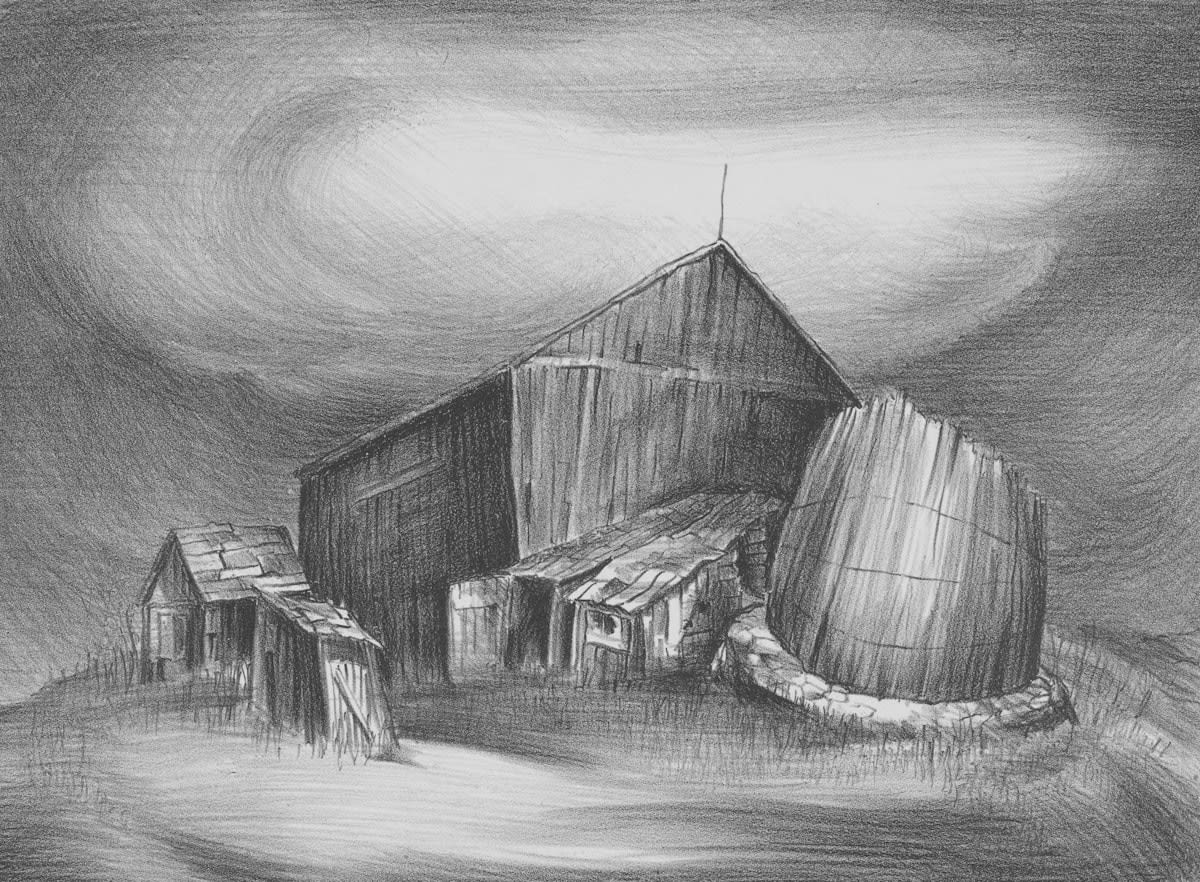
On the ground, this protocol often sparks a heated debate in design agencies. Junior designers, raised on tablet-first workflows, often view the analog phase as a waste of time—a nostalgic luxury that slows down the 'sprint.' However, those of us who have navigated both eras know that the 'speed' of digital production is often a trap. It leads to a homogenized aesthetic where every project looks like it was generated by the same algorithm. The friction of the analog process is not a bug; it is a feature that prevents the work from becoming sterile.
I remember a project for a Berlin-based architectural firm where the team spent three days digitally iterating a facade. They were fast, but the result was boring. We stopped the screens and spent four hours folding thick cardstock and cutting foam. The physical struggle to make the shapes stand up revealed a structural tension that the software had completely smoothed over. That one afternoon of 'inefficiency' saved us three weeks of digital revisions and resulted in a far more daring design.
Common Pitfalls to Avoid
- The Gear Trap: Spending more time researching the 'perfect' fountain pen or sketchbook than actually making marks.
- The Perfectionist's Block: Treating the analog phase as a final product rather than a cognitive exercise.
- The Digital Crutch: Sneaking a peek at a reference image on a phone during the physical phase, which kills the intuitive flow.
- The Fetishization of Analog: Using physical tools for the 'aesthetic' of being an artist without actually engaging in the iterative struggle.
The most dangerous pitfall is the belief that analog tools are just 'simpler' versions of digital tools. They are not. A pencil is not a low-resolution stylus; it is a tool that interacts with the physics of graphite and fiber. To truly reclaim your agency, you must embrace the unpredictability of the physical world. Stop trying to control the medium and start listening to it.
Fact-Check & Accuracy Note
This guide is based on the practitioner-led framework of Tactile Literacy, which draws upon the pedagogical traditions of the Bauhaus and contemporary haptic research. While the cognitive benefits of tactile engagement are widely discussed in design theory, the specific 'Protocol' outlined here is a synthesis of industry best practices used in high-end design studios globally. Claims regarding the 'homogenization' of digital design are based on qualitative industry observations rather than quantitative market data.