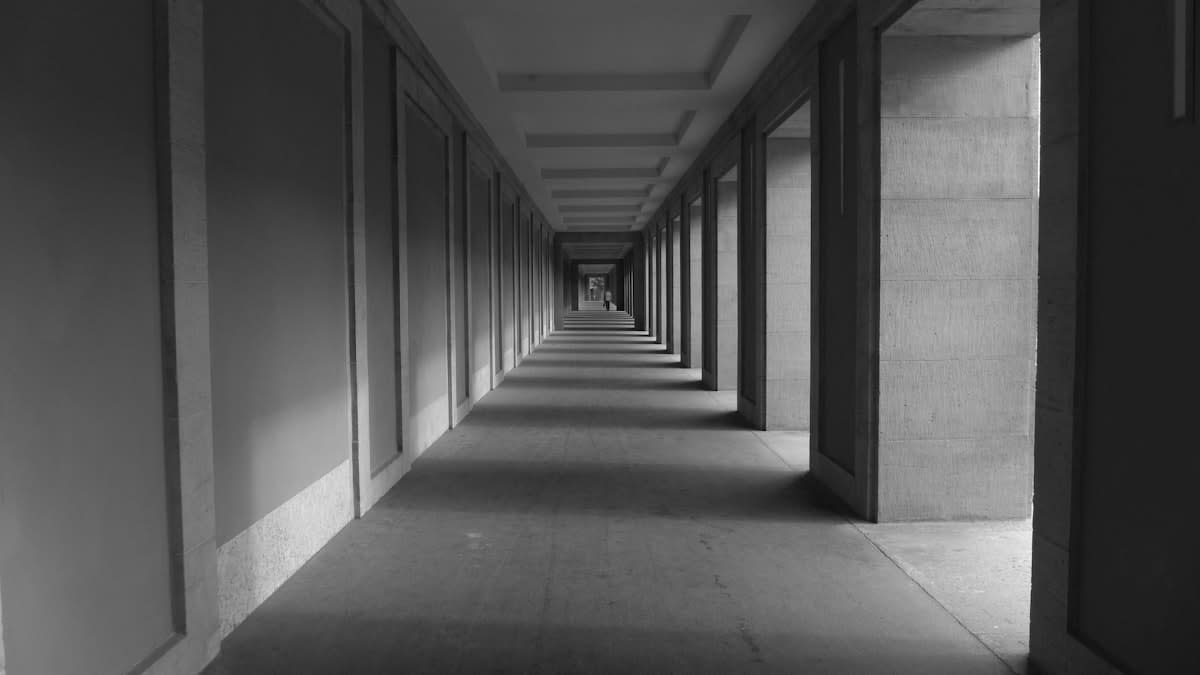
Most of us treat the spaces between tasks as obstacles. We rush through the hallway to the meeting room, swipe frantically through notifications while waiting for a laptop to boot, or treat the commute as a void to be filled with podcasts. We call these liminal spaces—the thresholds, the corridors, the atria—and we usually ignore them. But what happens when you stop seeing these areas as residual waste and start seeing them as cognitive reset buttons? Liminal design is the intentional curation of these 'in-between' states to lower cognitive load before you hit a high-intensity work phase.
Cognitive load isn't just about how much you're doing; it's about the friction of switching. When you jump from a chaotic email thread directly into a complex architectural blueprint or a codebase, your brain carries a 'residue' of the previous task. This is why your first twenty minutes of deep work often feel like wading through mud. By architecting a liminal buffer, you create a psychological airlock. You aren't just moving from Point A to Point B; you are intentionally shedding the mental noise of Point A to arrive at Point B with a clean slate.
Prerequisites for a Liminal Reset
Before you can implement a liminal design system, you need to stop the instinct to optimize for speed. The goal here is not efficiency—it is readiness. You will need a combination of physical boundaries and digital tools that serve as 'low-stimulus' zones. If your transition tool is just another screen with notifications, you aren't creating a liminal space; you're just adding another layer of noise.
- A designated physical threshold (a specific hallway, a porch, or even a dedicated chair).
- A low-fidelity capture tool (e.g., a paper tablet or a physical notebook) to offload immediate thoughts.
- A high-performance workstation configured for a 'zero-clutter' state.
- The discipline to protect the transition time from 'quick' interruptions.
Step 1: Identify and Reclaim Your Residual Spaces
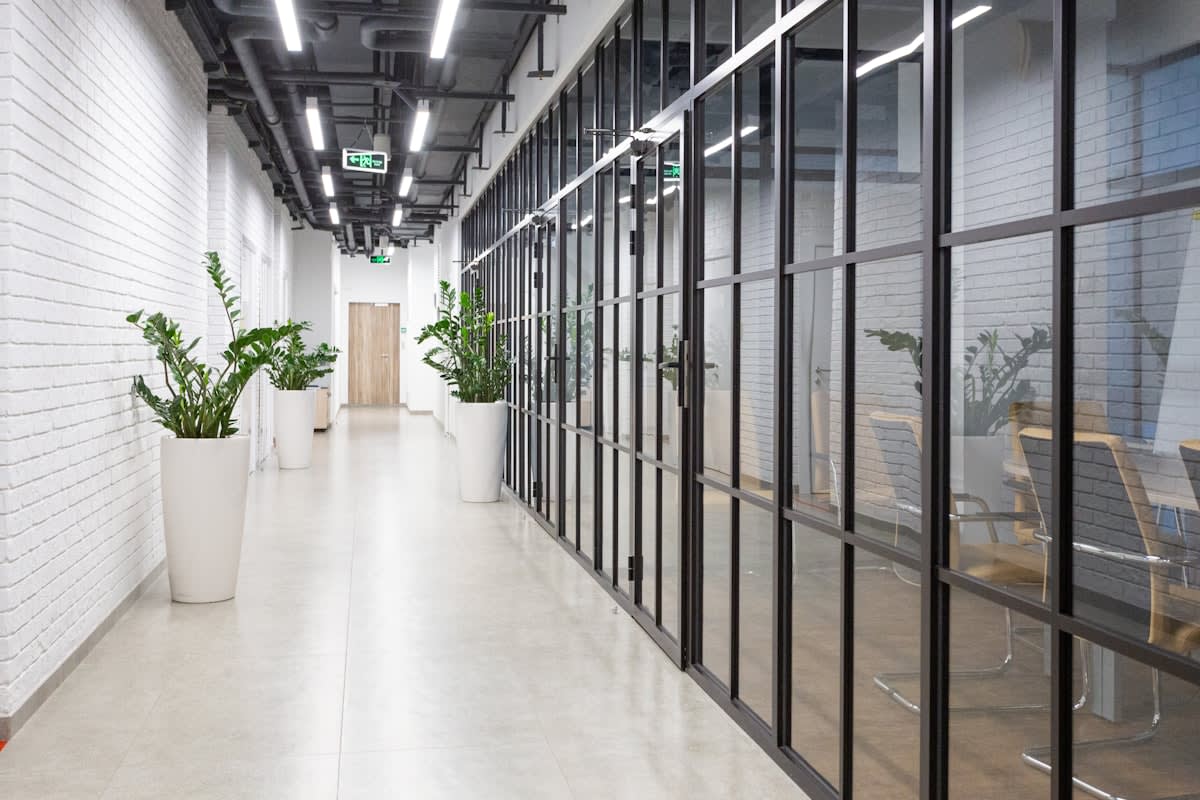
Start by auditing your environment. Nicolette Watson notes that liminal spaces—entrances, thresholds, corridors, and atria—are frequently treated as residual, serving only to connect one programmed space to another (Source: LinkedIn, 2024). This is a mistake. To reset your cognitive load, you must stop viewing the corridor as a means to an end and start viewing it as a tool. Whether it is a quiet office floor or an empty train station, these spaces lose their identity when they are merely passed through, but they become powerful when they are used for intentional decompression.
Ask yourself: Where do I feel the most friction? Is it the moment you enter your home office? The moment you open your IDE? Identify the physical or digital 'threshold' where the stress of the previous environment lingers. Once identified, designate this as your Liminal Zone. In this zone, no 'active' work happens. No emails are sent. No decisions are made. It is a space for passing through, not for staying, but the act of passing through must be mindful.
Step 2: Implement a Low-Fidelity Digital Buffer
The biggest threat to a cognitive reset is the 'distraction loop.' If you use a standard tablet or smartphone during your transition, you are inviting a flood of notifications that spike your cortisol. You need a device that mimics the cognitive properties of paper—something that allows for thinking without the pressure of formalizing. This is where dedicated, distraction-free hardware becomes essential.
"One dedicated place for ideas... I can just talk to myself on the page and order my thoughts before formalising those ideas later... by having a device where I can just work, distraction free, I’m able to do most of the 'thinking' part of the job... before I switch to my desktop."— Shaun Mooney, Garden Designer, as cited in The Guardian
By utilizing tools like the reMarkable Paper Pure, you create a digital liminal space (Source: The Guardian, 2026). This device acts as the bridge between the chaos of the world and the precision of the workstation. Use this phase to 'dump' your mental load—sketch rough ideas, list anxieties, or map out a sequence of events. When you finally move to your primary computer, you aren't bringing the chaos with you; you've already processed it on the buffer device.
Step 3: Configure Your High-Performance 'Deep State'
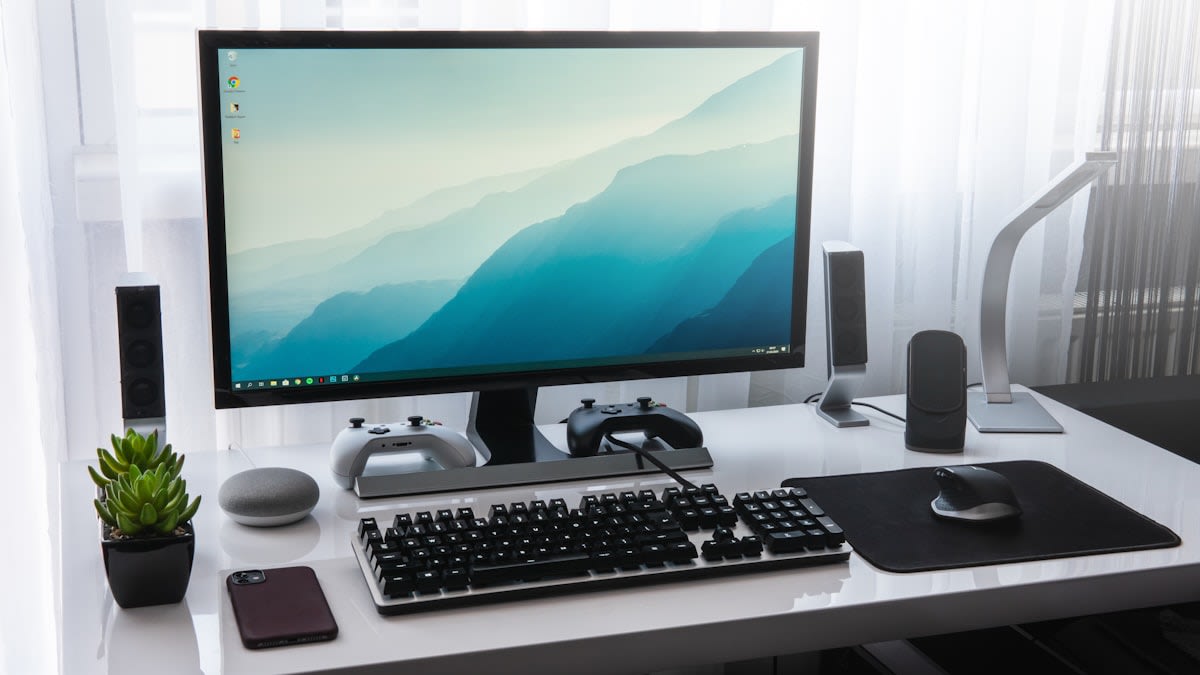
Once you have passed through your physical and low-fidelity buffers, you enter the 'Programmed Space.' To maintain the calm you've built, your operating environment must be stripped of everything that doesn't contribute to the task. Microsoft's Project Zenith is a prime example of this philosophy, offering a 'ready-to-code distraction-free Windows experience' specifically for developers (Source: Engadget, 2026).
The technical requirements for such an environment are steep because the goal is to eliminate all system-level friction. Project Zenith requires a powerful system with 64GB of RAM to operate effectively (Source: Engadget, 2026). Why? Because it allows developers to run 30B+ parameter models locally and unmetered, removing the latency and distraction of cloud-dependency (Source: Engadget, 2026). When your hardware matches your cognitive speed, the 'stutter' that often triggers distraction disappears.
Step 4: Executing the Transition Ritual
- Enter the Physical Liminal Zone: Walk through your designated threshold (e.g., the hallway) and consciously acknowledge you are leaving the previous state.
- Engage the Low-Fidelity Buffer: Spend 5-10 minutes with your paper tablet or notebook. Offload all 'open loops' and mental clutter.
- Hardware Hand-off: Close the buffer tool and boot into your distraction-free environment (e.g., Project Zenith).
- Initiate the Deep State: Start with the single most important task identified during the buffer phase, ignoring all other inputs.
In my years of implementing these systems, I've seen a recurring debate among practitioners: is the transition a waste of time or an investment? The 'efficiency' crowd argues that spending ten minutes in a hallway or on a paper tablet is ten minutes of lost productivity. But they are measuring the wrong metric. They measure time spent, not the quality of the output. On the ground, the reality is that a developer who spends ten minutes resetting their cognitive load produces cleaner code in two hours than a distracted developer does in four.
Common Pitfalls in Liminal Design
The most frequent failure is 'over-programming' the liminal space. If you turn your transition zone into another place where you 'should' be doing something—like listening to an educational podcast or checking a 'quick' Slack message—you've destroyed the liminality. A liminal space must remain a space of transition, not a space of production.
- The Notification Leak: Allowing a 'just one check' mentality to enter the buffer zone.
- Hardware Mismatch: Trying to use a high-stimulus device (iPad/Laptop) as a low-fidelity buffer.
- The Rush Instinct: Skipping the physical threshold because you feel 'behind' on your schedule.
- Under-powering the End State: Using a system that lags, which re-introduces cognitive friction after you've worked so hard to remove it.
Fact-Check & Accuracy Note
Key claims regarding Microsoft's Project Zenith (64GB RAM, 30B+ parameter local models) are sourced from Engadget and Windows Central (2026). Insights on liminal space as 'residual' are attributed to Nicolette Watson (2024). The use of the reMarkable Paper Pure for cognitive offloading is based on reports from The Guardian (2026). There is an ongoing industry debate regarding the necessity of high-RAM hardware for local AI models versus cloud-based efficiency.