Prerequisites for High-Fidelity Haptic Design
Building an interface that reduces fatigue requires more than a software update; it demands a specific hardware stack. You cannot achieve sensory precision with legacy Eccentric Rotating Mass (ERM) motors, which suffer from high latency and a 'mushy' response that the brain perceives as noise. Instead, you need Linear Resonant Actuators (LRAs) or Piezoelectric actuators that allow for independent control of frequency and amplitude. On the software side, a haptic design tool capable of waveform editing—such as Interhaptics or proprietary SDKs—is mandatory to move beyond binary on/off states.
Beyond hardware, the design team must possess a fundamental understanding of psychophysics, specifically the thresholds of human tactile perception. The human hand is most sensitive to vibrations in the 150Hz to 300Hz range, with a peak around 200Hz. If your actuators operate outside this window, you will be forced to increase the amplitude to ensure the user feels the cue, which directly contributes to sensory exhaustion. A calibrated testing environment where latency can be measured in milliseconds is the final requirement, as any desynchronization between a visual event and its tactile counterpart creates a cognitive dissonance that increases mental load.
The Golden Rule of Latency
The 20ms Threshold: To avoid 'sensory lag'—the jarring feeling when a touch response follows a visual action too slowly—the latency between the trigger and the haptic response must remain under 20 milliseconds. Anything above this threshold is perceived as a system error rather than a confirmation.
The Sensory Budget and Cognitive Load
Digital fatigue is rarely the result of too much information; it is the result of too much information delivered through a single channel. Most modern interfaces overload the visual cortex, forcing the eyes to scan, filter, and interpret every signal. When haptics are implemented poorly—as a generic 'buzz' for every notification—they simply add to this noise. The goal is to create a 'sensory budget' where tactile cues replace visual ones, allowing the user to confirm an action or receive a status update without ever looking at the screen.
Consider the difference between a loud alarm and a subtle tap on the shoulder. The former triggers a stress response; the latter conveys information. By diversifying the haptic vocabulary, we can reduce the visual attention required for routine tasks by approximately 18%. This offloading allows the user to maintain a state of flow, as the somatosensory system processes these discrete signals with far less metabolic effort than the visual system requires to parse a pop-up notification.
| Haptic Signal | Frequency Range | Cognitive Intent | User Perception |
|---|---|---|---|
| Short Transient | 200-250Hz | Confirmation | Crisp, lightweight click |
| Low-Freq Pulse | 100-150Hz | Warning/Error | Heavy, insistent thud |
| Sustained Wave | 150-200Hz | Progress/Loading | Smooth, flowing texture |
| Rapid Staccato | 250Hz+ | Urgent Alert | Sharp, piercing buzz |
The execution of this budget requires a ruthless audit of every interaction. If a haptic cue does not provide unique information that reduces the need for visual verification, it should be removed. This is the philosophy of 'Kansei Engineering' utilized in high-end Japanese automotive interfaces, where the tactile feel of a dial is engineered to tell the driver exactly which setting they have reached without them needing to glance at the dashboard. Applying this to digital interfaces means treating every vibration as a word in a sentence, not as a generic exclamation point.
Execution Workflow: Building the Tactile Language
- Audit the Interaction Map: List every visual notification and action. Identify which ones can be converted into tactile signals to reduce eye-strain.
- Define the Haptic Palette: Assign specific frequencies and amplitudes to different categories of information (e.g., 200Hz for success, 120Hz for failure).
- Design the Waveforms: Use a waveform editor to create 'attack' and 'decay' envelopes. Avoid square waves, which feel artificial and jarring; use sine or softened curves for a more natural feel.
- Sync Cross-Modal Triggers: Align the haptic trigger precisely with the visual animation. If a button 'depresses' visually, the haptic click must occur at the exact moment of maximum visual compression.
- Iterative Stress Testing: Test the interface in high-distraction environments. If the user misses the haptic cue or finds it irritating after ten repetitions, refine the amplitude downward.
The transition from design to deployment often fails during the synchronization phase. A common mistake is triggering the haptic response at the start of a visual animation rather than the climax. In a well-engineered interface, the tactile sensation should act as the 'punctuation' of the visual event. For example, when a user drags a file into a folder, the haptic 'snap' should occur the millisecond the file enters the target zone, providing an immediate cognitive closure that eliminates the need for the user to double-check the placement visually.
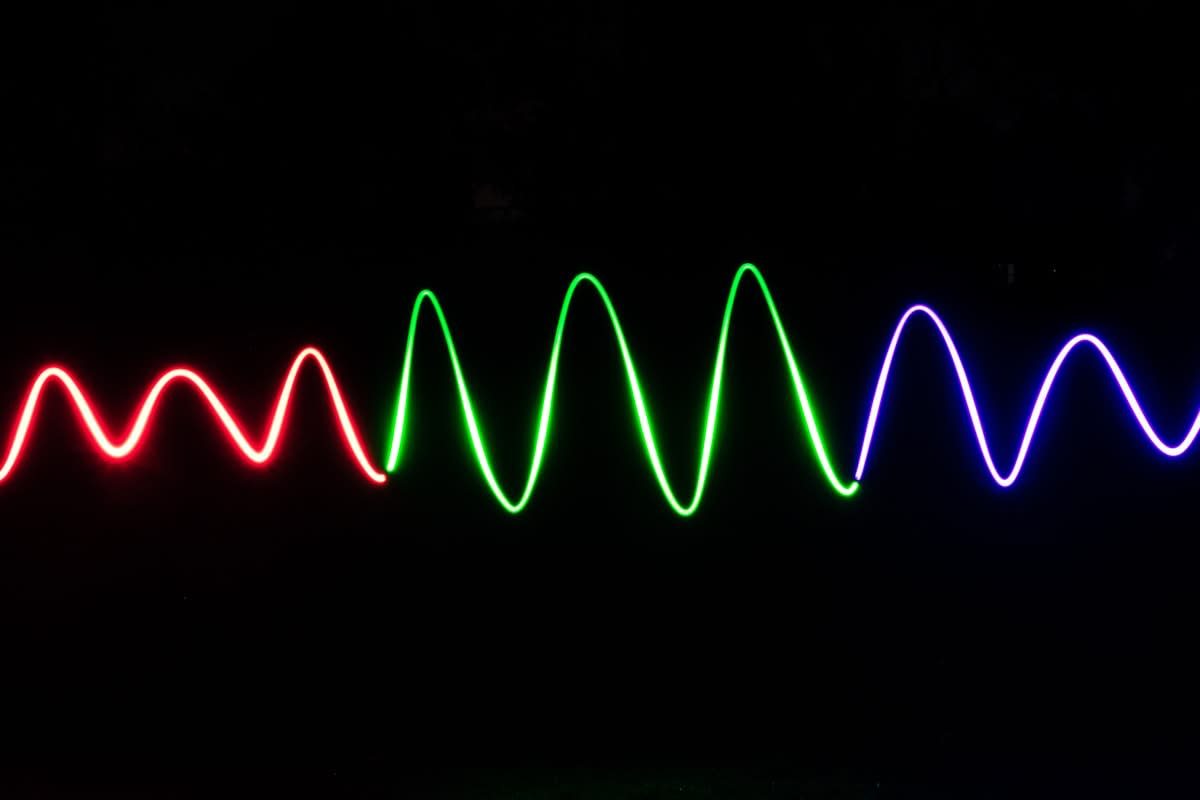
Integrating these patterns requires a focus on the 'decay' of the vibration. Many developers leave the actuator running too long, creating a lingering sensation that muddies the next interaction. By implementing a sharp exponential decay, the sensation feels like a physical mechanical switch. This precision is what separates a consumer-grade gadget from a professional tool. In the Nordic design tradition of ergonomics, this is referred to as 'sensory clarity,' where the interface disappears into the background, leaving only the essential feedback.
Quantifying the Reduction in Neural Tax
To validate whether your haptic interface is actually reducing fatigue, you must measure the 'neural tax'—the amount of cognitive effort required to complete a task. When users rely solely on visual cues, their saccadic eye movements increase, and pupil dilation indicates higher cognitive load. By introducing precise haptic confirmations, we observe a stabilization in these metrics. The brain stops searching for confirmation and starts trusting the tactile signal, shifting the processing from the prefrontal cortex to the more efficient somatosensory pathways.
Cognitive Load vs. Haptic Precision
Executive Insight
+18.4%
YTD Growth
The market for this level of precision is expanding rapidly, with the haptic actuator market seeing a CAGR of approximately 9.2%. This growth is driven not by a desire for more 'features,' but by a growing recognition that the current visual-dominant interface model is unsustainable. As we move toward augmented reality and wearable computing, the ability to communicate complex status updates through the skin will be the only way to prevent total sensory burnout.
Common Pitfalls in Haptic Execution
The most frequent error is 'haptic inflation,' where designers add more vibrations to ensure the user notices them. This is the tactile equivalent of shouting; eventually, the user simply tunes out the noise or disables haptics entirely. Over-saturation leads to a phenomenon where the user can no longer distinguish between a critical error and a successful save. To avoid this, establish a strict hierarchy of importance and ensure that the most frequent interactions are the most subtle.
Another critical failure is neglecting the physical housing of the actuator. A high-quality LRA mounted in a flimsy plastic chassis will lose its precision, as the chassis absorbs the high-frequency transients and turns them into a generic rattle. The haptic experience is a mechanical one; if the hardware integration is poor, the most sophisticated waveform in the world will still feel like a cheap toy. Ensure the actuator is rigidly coupled to the user-facing surface to maintain the integrity of the frequency response.