
The High Cost of Convenience
We have traded ownership for access. For a decade, the industry pushed the 'everything-as-a-service' model, convincing us that renting our storage, our documents, and our memories was more efficient than owning the hardware. But the bill is coming due. Between creeping monthly price hikes and the arbitrary termination of accounts, the risk of 'digital eviction' is real. Why do we trust a third-party server in a distant jurisdiction with the most intimate details of our professional and personal lives?
Digital sovereignty isn't about living in a cave or rejecting the internet; it is about moving the center of gravity back to your own living room. It is the transition from being a tenant in someone else's ecosystem to being the landlord of your own data. This shift is gaining momentum globally. According to recent industry analysis, cloud repatriation—the act of moving workloads from public clouds back to on-premises infrastructure—has seen a marked increase as enterprises realize the long-term costs of egress fees and vendor lock-in (Source: IDC Worldwide Cloud Forecast, 2023).
Prerequisites: The Sovereignty Toolkit
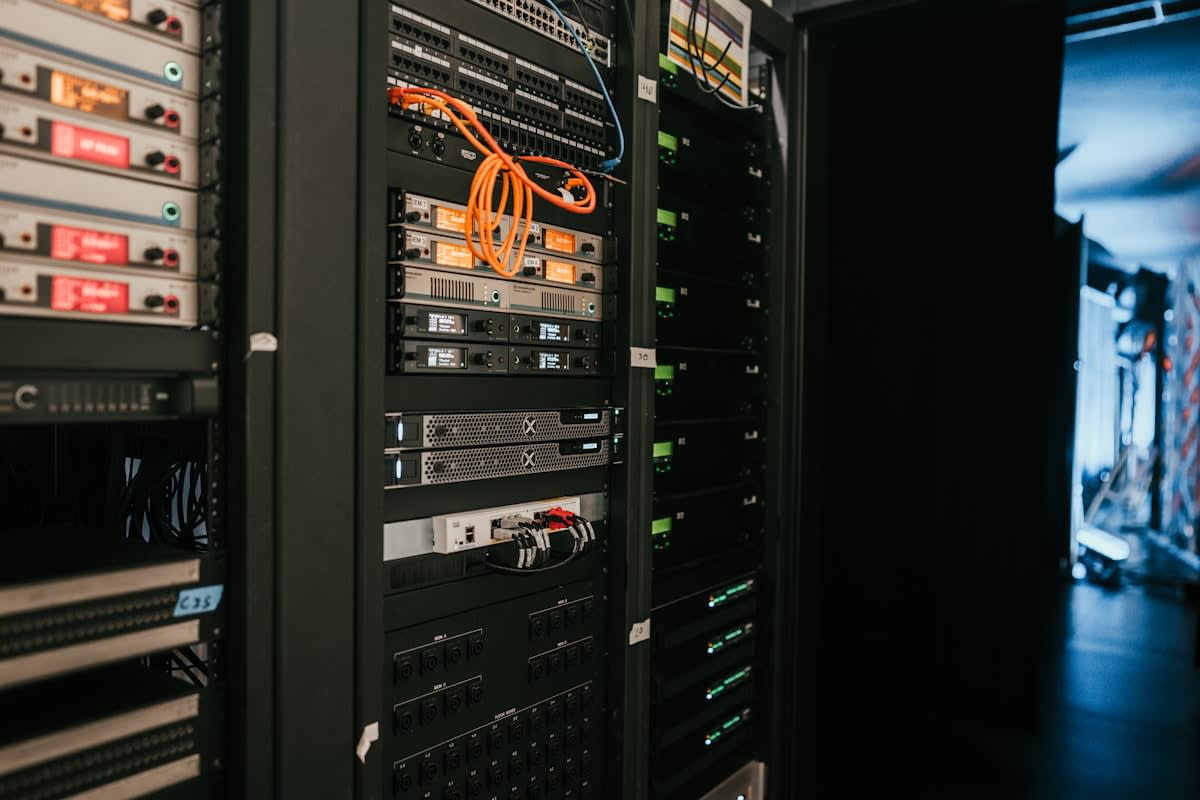
Before you wipe your Google Drive or iCloud, you need a stable foundation. You cannot build a skyscraper on a swamp. Most beginners make the mistake of trying to run a full cloud suite on a low-power Raspberry Pi. While great for learning, these devices lack the I/O throughput and ECC memory required for professional-grade data integrity. You need hardware that can handle concurrent streams and heavy database indexing without choking.
- Hardware: A Mini PC (Intel NUC or similar) or a dedicated NAS chassis with at least 16GB of RAM.
- Storage: NAS-grade hard drives (e.g., WD Red or Seagate IronWolf) to handle 24/7 read/write cycles.
- Networking: A Gigabit Ethernet switch and a router that supports VLANs or VPN tunneling.
- Power: An Uninterruptible Power Supply (UPS). A sudden power cut during a ZFS scrub is a recipe for disaster.
- OS: A Type-1 Hypervisor like Proxmox VE or a dedicated storage OS like TrueNAS Scale.
Step-by-Step: Constructing Your Private Cloud
Building your cloud is a layered process. You don't just install an app; you build an environment. I have spent years refining this stack, and the most critical lesson I learned is to decouple your storage from your compute. If your application server crashes, your data should remain untouched and accessible from another node.
- Deploy the Hypervisor: Install Proxmox VE on your bare metal. This allows you to run multiple virtual machines (VMs) and containers (LXCs) on one physical machine, meaning your file server won't crash just because your media server is leaking memory.
- Configure the Storage Pool: Use ZFS for your main data pool. ZFS provides checksumming and self-healing properties that protect against 'bit rot'—the silent corruption of data over time. Set up a Mirror or RAID-Z2 configuration for redundancy.
- Deploy the Core Services: Launch a Nextcloud instance via Docker. Nextcloud is the gold standard for self-hosted clouds, providing file sync, contacts, calendars, and basic document editing.
- Secure the Perimeter: Do not open ports on your router. Instead, install Tailscale or WireGuard. This creates a secure, encrypted tunnel (Mesh VPN) between your devices and your home server, regardless of where you are in the world.
- Implement the 3-2-1 Backup Rule: Three copies of data, two different media, one off-site. Use a tool like Restic or BorgBackup to encrypt and send your most critical data to a secondary location, such as a friend's house or a cold-storage vault.
"The goal of digital sovereignty is not perfection, but agency. When you control the hardware and the software, you stop being a product and start being a user again."— Lawrence Lessig, Legal Scholar and Digital Rights Advocate (Paraphrased from principles on Code and Other Laws)
From a practitioner's perspective, the real battle isn't the installation—it is the maintenance. In the field, we constantly debate the 'Docker vs. Bare Metal' dilemma. While Docker containers offer portability and ease of updates, some purists argue that bare metal provides better performance and stability. In my experience, the flexibility of containers wins every time. The ability to snapshot a container before a risky update saves hours of recovery time when a dependency breaks.
The 'Sovereignty Stack' Recommendations
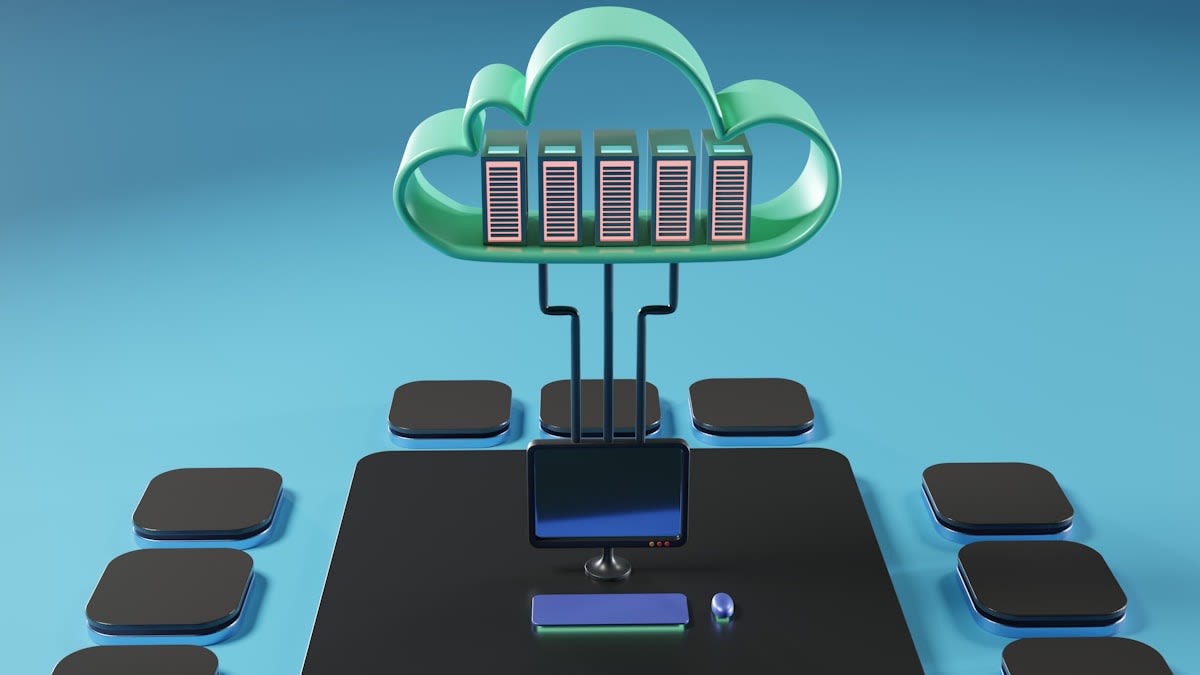
You don't need to replace every SaaS tool at once. Start with the most invasive ones. Password managers and cloud storage are the highest priority because they hold the keys to your entire digital identity. Once those are secured, move to communication and media.
| SaaS Tool | Sovereign Alternative | Primary Benefit |
|---|---|---|
| Google Drive/Dropbox | Nextcloud | Full file ownership & privacy |
| LastPass/1Password | Vaultwarden | No third-party access to master keys |
| Google Photos | Immich | High-performance AI tagging on your hardware |
| Spotify/Netflix | Jellyfin | Lifetime access to owned media |
Common Pitfalls to Avoid
The most common failure point I see is the 'Complexity Spiral.' Users start with a simple file share and end up managing a Kubernetes cluster with three different load balancers and a complex CI/CD pipeline. Unless you are running a business, this is overkill. Your home cloud should serve you, not become a second full-time job. Keep your stack as lean as possible.
Another frequent error is neglecting the 'Exit Strategy.' Many people move their data into a proprietary self-hosted format that is just as hard to leave as Google. Always ensure your data is stored in open formats (like .pdf, .jpg, .txt) and that your backup system is platform-agnostic. If your server dies tomorrow, you should be able to read your data from a basic Linux laptop without needing a specific piece of software.
Pro Tip: The Mirror Phase
The transition to a private cloud is not an overnight event. It is a gradual migration. Start by mirroring your data—keep it in the cloud and on your server simultaneously—for three months. Only when you trust your backup and recovery process should you delete the cloud copies.
Fact-Check & Accuracy Note
Key claims regarding cloud repatriation trends are sourced from IDC's 2023 Worldwide Cloud Forecast. Technical recommendations regarding ZFS and 3-2-1 backups are based on industry-standard data management protocols. Note that hardware availability for Mini PCs and NAS drives varies by region (e.g., different availability in the EU vs. SE Asia), which may affect initial setup costs.